GUI Builder

Sentinel Vision > GUI Builder

Build industrial interfaces visually, quickly and fully tailored!

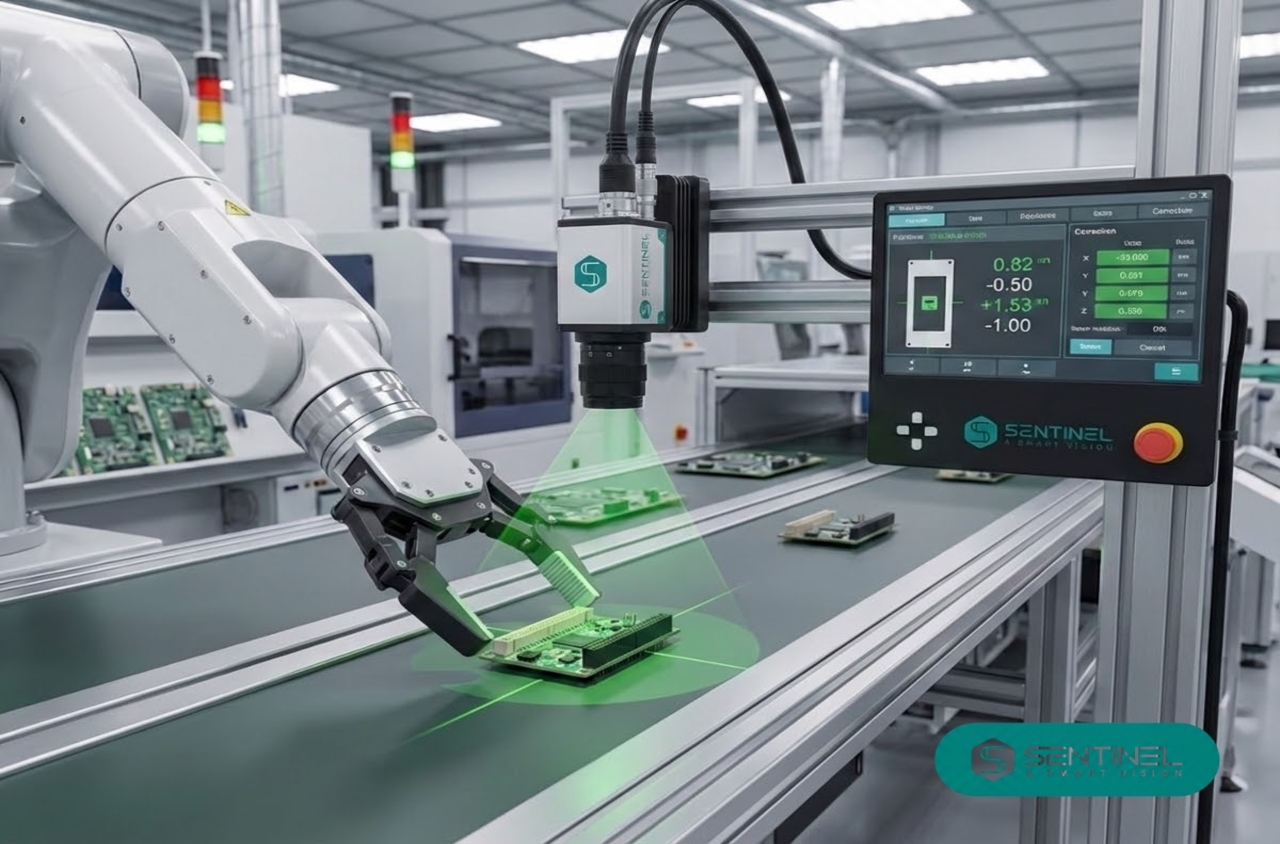
Sentinel’s GUI Builder (Graphical User Interface Builder) is a tool that enables the visual creation of graphical interfaces, including windows, buttons, menus and text fields, using a drag and drop approach.

Applications Benefits

Each interface is designed to make the process simpler, faster and safer for line operators.

null

Project tailored interface


Show users only the data that truly matters.

null

Intuitive navigation


Create different styles according to the customer and enable actuation of machine components in test mode.

null

Vision Core integration


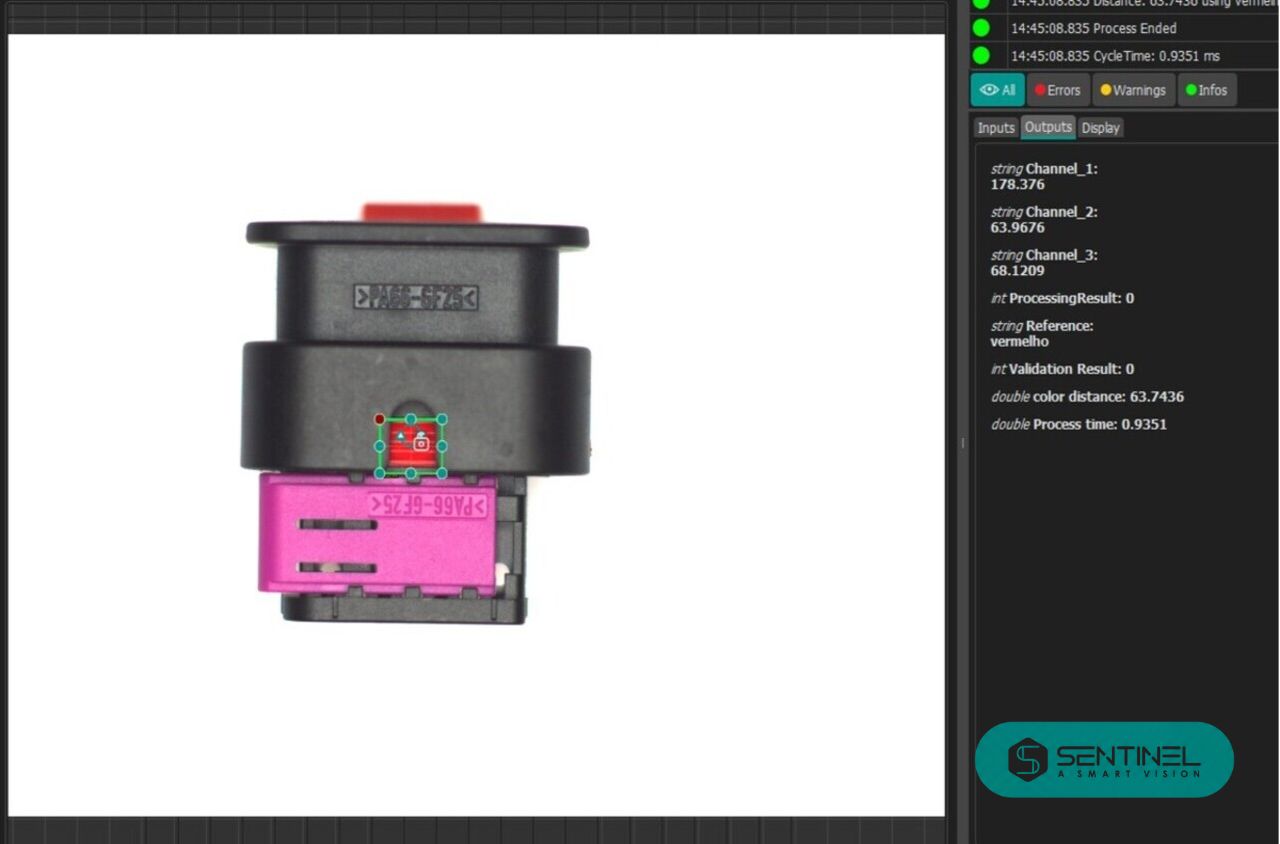
Real time updates of the most important images and variables.

Gui Builder 7

Configure main parameters


Adjust defect detection sensitivity levels according to the product.

null

Custom functionalities


Enable actuation of machine components in test mode.

null

Annotation Mask


Select specific ROIs for AI training and enable actuation of machine components in test mode.

Design Mode vs Run Mode


In a machine vision system built with a GUI Builder, the separation between Design Mode and Run Mode is not just functional. It is a structural principle that ensures organization, safety and efficiency between the configuration phase and the operational phase.

Design Mode


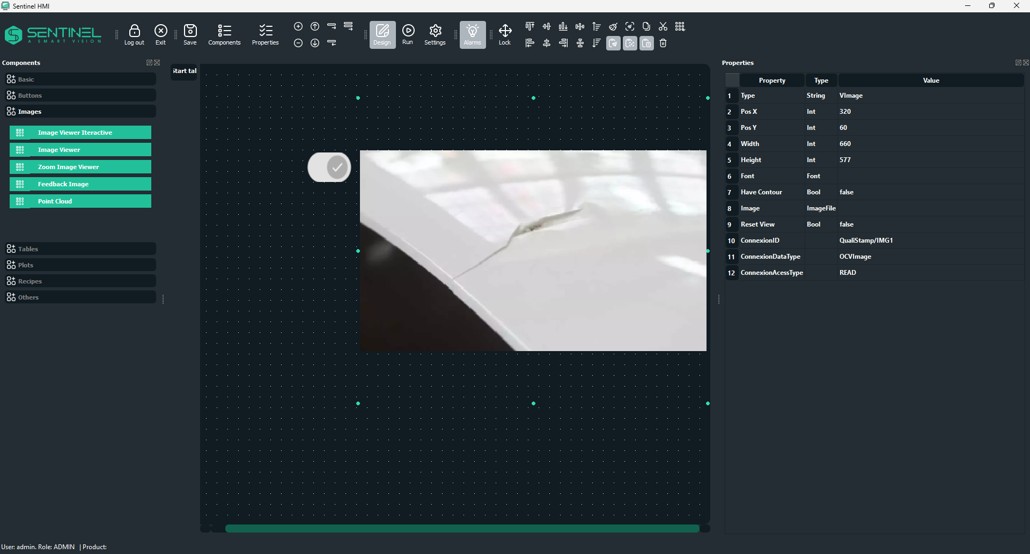
Design Mode is the configuration and engineering environment of the system. This is where the graphical interface is built, visual components are organized and the connections between cameras, variables, vision algorithms and control elements are established.

º

In this mode, the focus is on architecture and logic. It allows layout testing, rule parameterization, data flow adjustment and integration validation without direct impact on production operation.

Run Mode


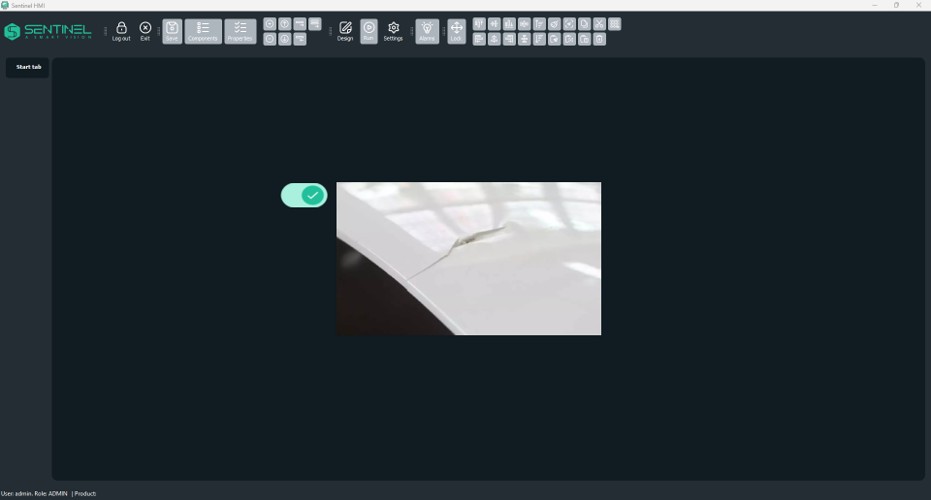
Run Mode corresponds to the system in real operation, typically in an industrial context. The interface reflects real time data, algorithms run continuously and results are presented to the operator.

~

Here, the priority is stability, performance and reliability. The system is no longer in configuration and instead supports operational decisions, quality control and continuous process monitoring.

Main functionalities

In each project, a fully tailored interface is created to meet specific requirements. The GUI Builder enables the creation and customization of screens in a simple and intuitive way through a drag and drop approach, using components such as buttons, labels, input fields and image viewers, while allowing quick adjustment of properties like color, size, text and position. This smooth visual experience accelerates development and reduces technical complexity. Its main functionalities include:

null

Alarms to alert the operator in critical defect situations

null

Real time visualization of images and defect areas

null

Selection of defect regions for AI model training

null

Interface to actuate machine mechanisms, including cylinders, axes and pneumatics

null

Separate interfaces for Operator and Engineering through access control

null

Connection of interface charts to the Vision Core

Privacy Overview

This website uses cookies so that we can provide you with the best user experience possible. Cookie information is stored in your browser and performs functions such as recognising you when you return to our website and helping our team to understand which sections of the website you find most interesting and useful.